 StillPoint
Your notes are the source. StillPoint is the workbench around them.
A Knowledge IDE brings the tools of serious knowledge work into one coherent place: writing, navigation, structure, relationships, visualization, automation, and agents. StillPoint keeps all of that optional. If you only want a fast, calm notes app, that is exactly what it remains.
The page stays at the center.
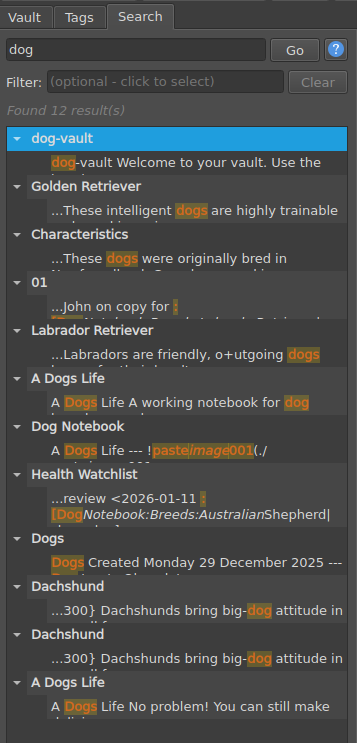
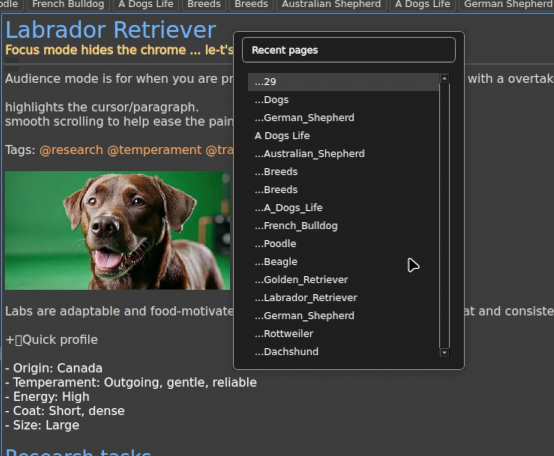
Find and jump
Search locally, switch through recent pages, browse the vault in a quick picker, jump to a heading, or run a command without breaking your train of thought.
Read structure and context
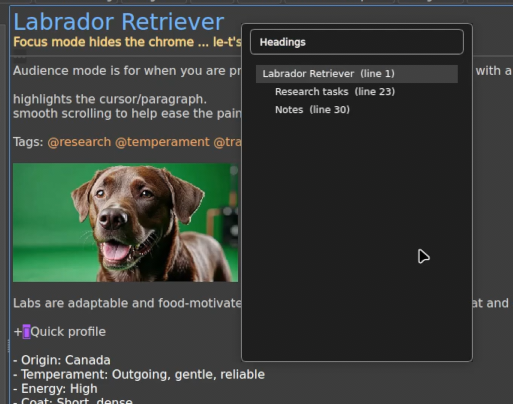
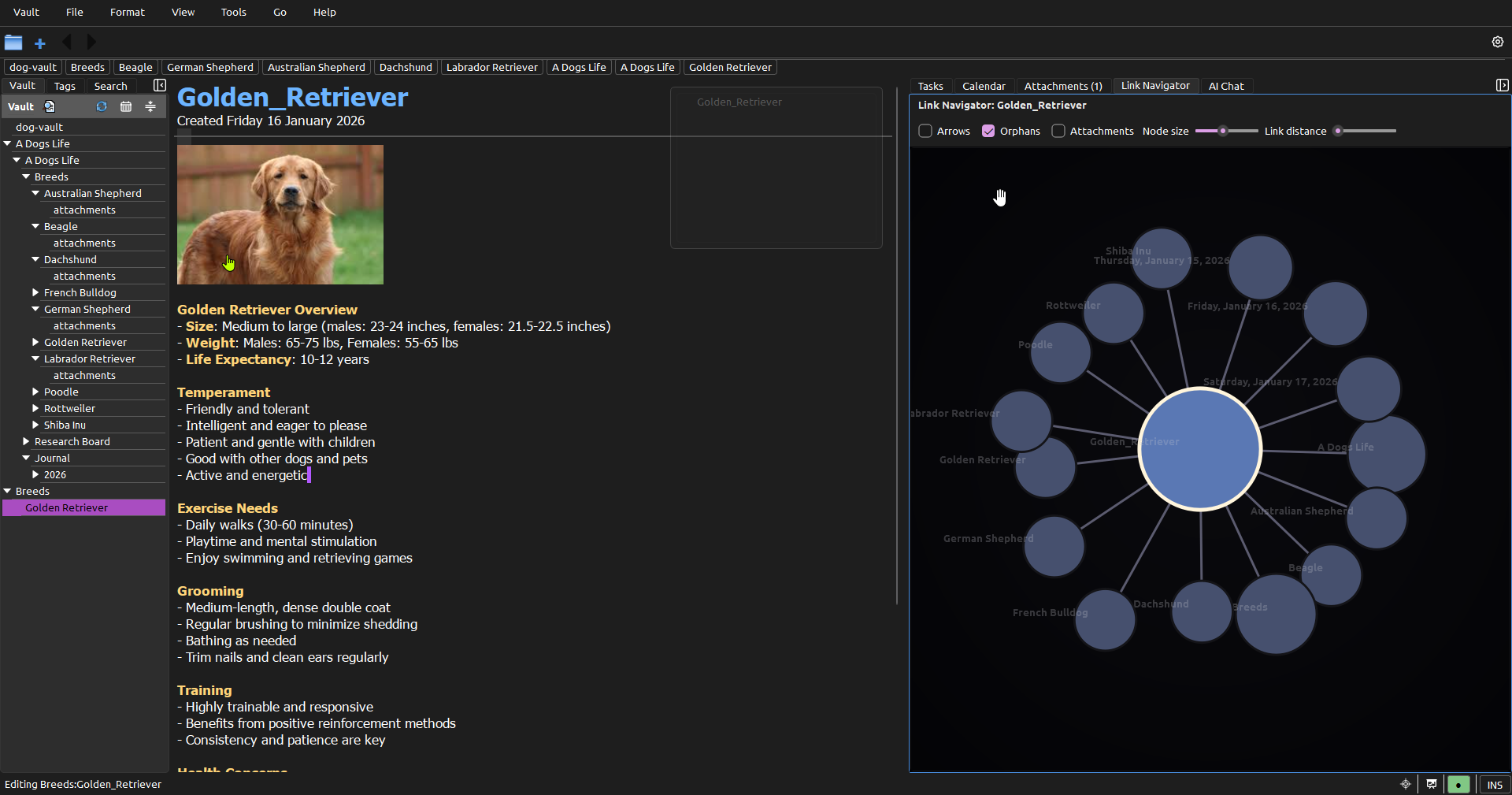
The headings outline shows the shape inside a page. Backlinks and the Link Navigator show how that page participates in the wider vault.
Act without separating context
Tasks, dates, diagrams, attachments, and AI conversations stay close to the notes that explain them instead of becoming disconnected records in another system.
Take the vault with you
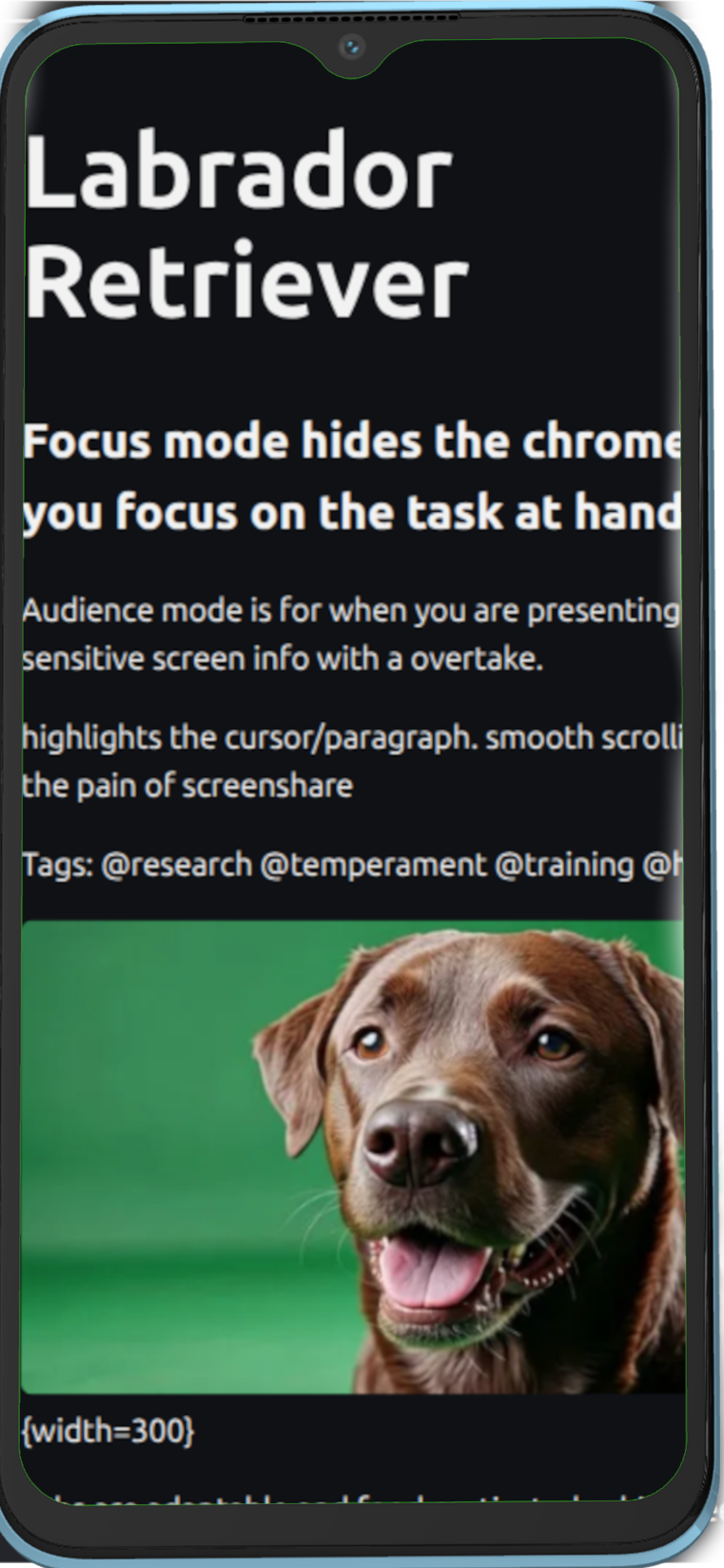
Homebase can synchronize local copies across devices, while the mobile PWA keeps notes viewable and editable on the go.
Your notes remain plain text, portable without format lock-in or conversion.
Use another view when words are not enough
Mindmaps expose document hierarchy. The graph and Link Navigator expose relationships. Focus and Audience modes change the presentation without changing the underlying Markdown.
Navigation should feel like part of thinking.
Use quick page jumping, recent-page switching, heading pickers, command-palette actions, and keyboard-first panels to move from thought to thought without hunting through menus. The same workspace can stay quiet for writing or open outward for deeper exploration.
Power is only useful when it stays invisible until you need it.

Your knowledge workspace can have tools of its own.
StillPoint includes an optional multi-terminal manager in the right panel or a detached window. Run a normal shell, full-screen TUI, script, or agent at the actual vault root. Open several terminals, switch between them, and keep long-running tools beside your notes without making the terminal part of the basic note-taking experience.
A workspace agents can understand
StillPoint can seed AGENTS.md with the vault's page layout, link syntax,
and editing rules, so compatible tools arrive with useful project context.
Rich StillPoint MCP tools
Agents can search the vault, read page context, follow children and backlinks, manage structured tasks and journals, inspect recent changes, patch pages safely, and preview page moves through StillPoint itself.
Safer than blind file rewriting
MCP operations understand StillPoint concepts and support dry runs and conflict checks. Direct filesystem access remains available when a tool genuinely needs it.
Local-first by construction
Shells and agents work against real Markdown files on disk. Homebase can optionally synchronize those changes to other devices while each device retains a local copy.
Off until you ask for it
The terminal starts lazily, AI is opt-in, Homebase is optional, and none of these layers are required to write, organize, search, or link ordinary notes.