 StillPoint
You work in time. Your journal is the home base.
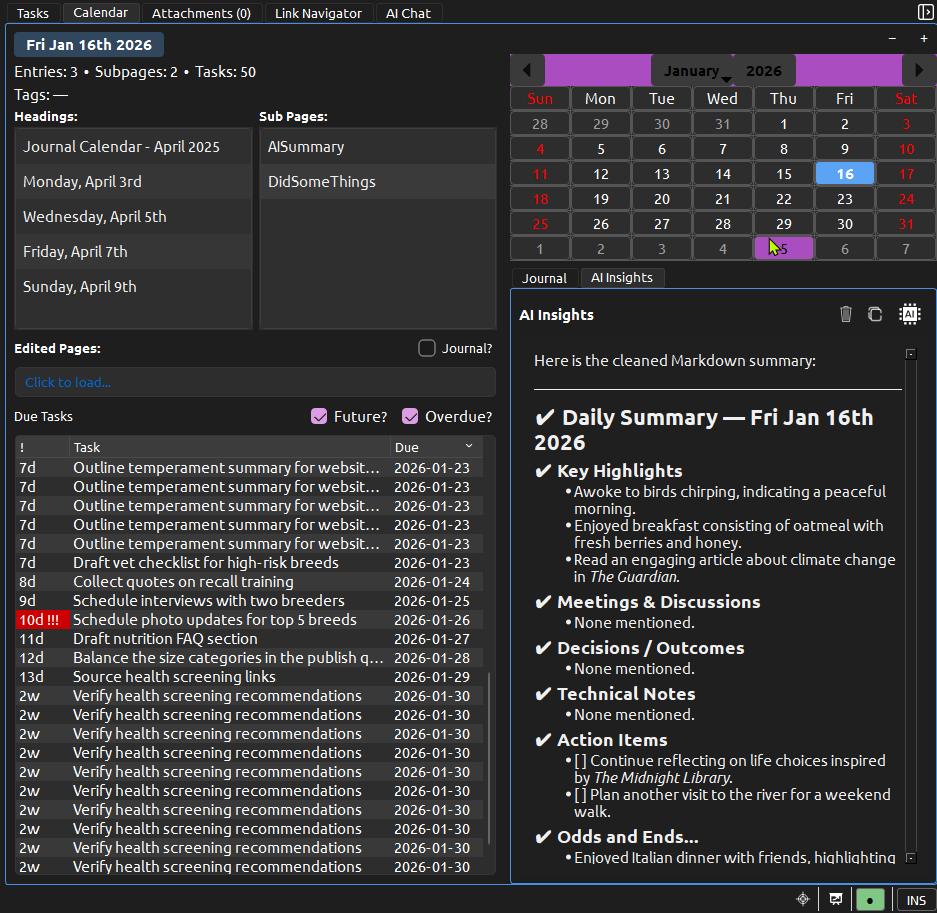
Each day is where work begins and where it gets remembered. Capture what you are working on, link into the rest of your graph, and keep a clear record of what was done and why it mattered—or skip the journal and organize ordinary pages your way.
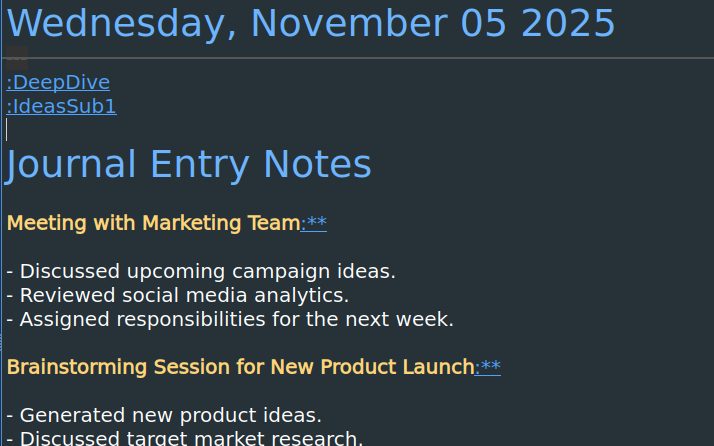
Plans, logs, and reflections live together.
Start with a date
A day page begins with what you expected to happen. It can hold tasks, reminders, or a simple outline.
Capture what actually happened
As your day unfolds, notes and decisions are added directly to the page. The day becomes a true log, not a schedule.
Connect it forward
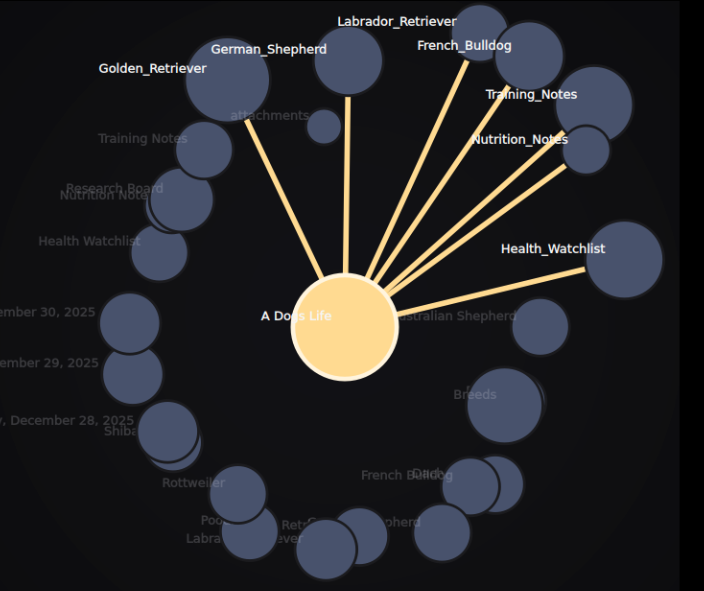
Link meetings, projects, and people as you write. Those links turn the calendar into the backbone of your graph.
Calendar as memory.
The calendar gives you the date. StillPoint captures the day. Over time, the calendar becomes a durable record of what mattered and why.
It is not a grid of time slots. It is a living archive of your work and life.
The calendar is keyboard-friendly too: use arrow keys to move day to day, press Enter to open the selected journal page, or Ctrl+Enter to open it while keeping focus in the calendar. If vi mode is enabled, h/j/k/l navigate the grid, Shift plus movement extends a date range, t jumps to today, / moves into the day headings and subpages lists, and Esc returns to the grid. From the main editor, Ctrl+Alt+D opens a compact jump-to-date popup so you can land on any journal day immediately.